
Everything You Need to Stay Organized

Calendar

Tasks & Projects

Contacts

Notes
OUR PRODUCTS




Gettings Things Done
Discover a seamless approach to productivity with Pocket Informant, your essential tool for mastering the Getting Things Done (GTD) methodology. GTD, coined by productivity expert David Allen, focuses on efficient task management and mental clarity. Pocket Informant aligns perfectly with this methodology by integrating tasks, events, and notes, providing a unified platform to capture, organize, and execute your to-dos. With customizable views, powerful filtering, and cross-platform accessibility, Pocket Informant empowers users to streamline their workflow, allowing for better organization and increased productivity within a singular, intuitive interface.
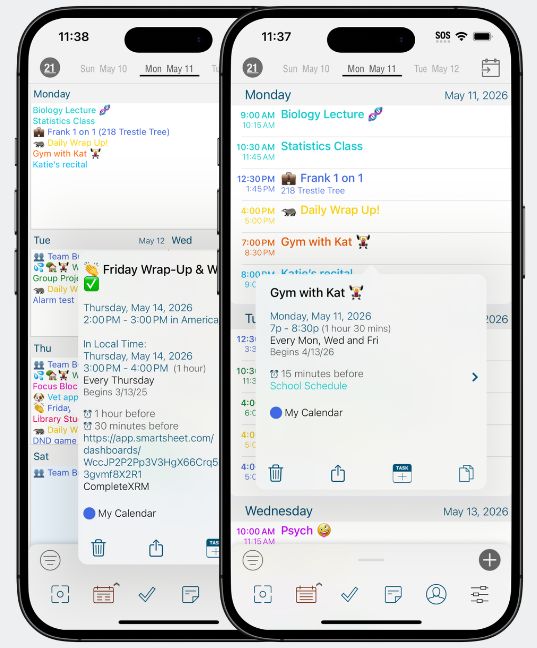
Informant for iOS Version 5.96
Get your life in sync with Informant for iOS – the original pocket planner and a game-changing personal organizer app.
Take charge of your Calendars, Tasks, and Projects like a pro. With its seamless setup and compatibility with all your existing calendars, this app has been the trusted go-to for over a decade. Don’t miss out on the ultimate power tool for staying on top of your schedule.
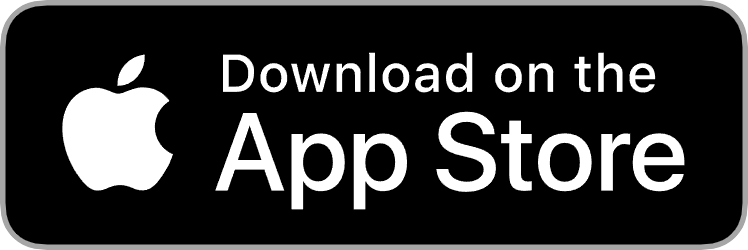
Informant for macOS Version 2.0.0
Upgrade your mac experience with Informant. With multi-device sync, your calendars, tasks, and projects have never been so organized.
Setting up is a breeze, and you can sync seamlessly across devices with Informant Sync. Get all this with a one-time purchase of Informant for macOS. Don’t miss out – subscribe to Informant Sync for the ultimate experience.

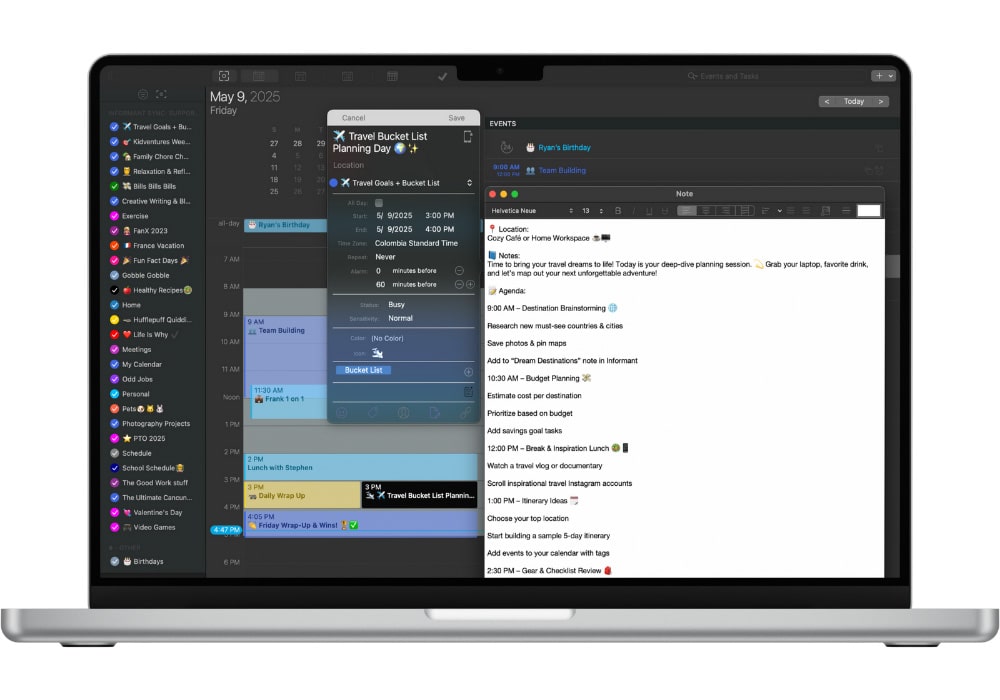
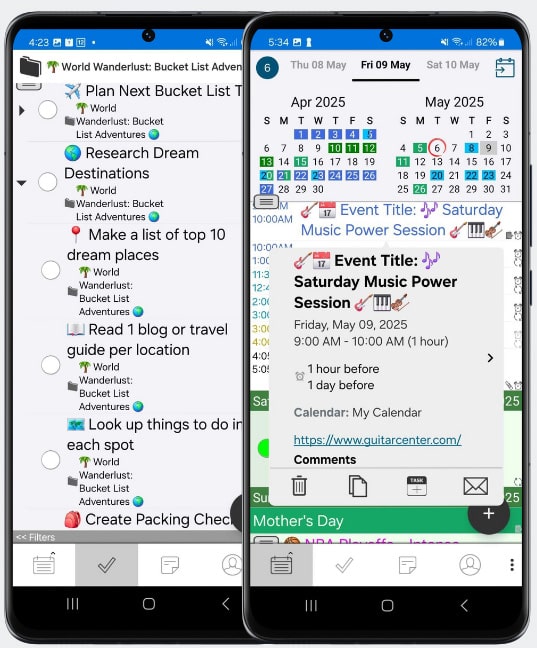
Informant for Android
Version 5.01.171
Get your life in order with just one app! The ultimate Android tool to handle all your Calendars, Tasks, and Projects.
No more juggling multiple apps – streamline everything in one place. Setting up is a breeze, and it seamlessly syncs with all your existing calendars. Trusted and relied on by millions for over a decade. Don’t miss out on the easiest way to stay organized!
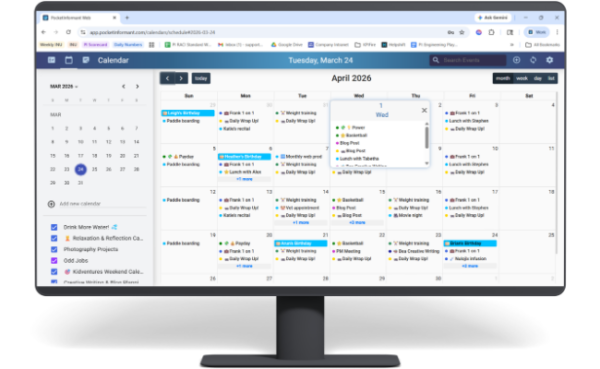
Informant for Web Version 1.16
Access all your Informant task management data on any web browser. Sync your data to your iPhone, iPad, Mac, and Android devices using Informant Sync.
Plus, don’t forget to check out the Chrome extension for easy access to the Informant for Web beta site. Keep your Calendars, Projects, and Tasks in one convenient place. Organize tasks into projects and create sub-tasks or checklists. With Informant, you can customize your task settings to fit your workflow – whether it’s GTD, Franklin-Style, or Simple tasks.
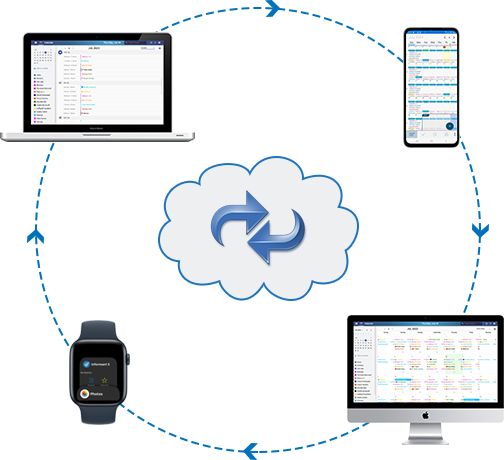
Informant for sync
Get ready to sync like never before with Informant Sync! This cutting-edge solution is designed by Pocket Informant owners, so you can trust that it’s 100% compatible with our fantastic mobile apps.
Say goodbye to the limitations of Microsoft and Google syncing, because Informant Sync has got you covered. We’ll back up all your important info in the cloud and make sure everything stays up-to-date across your Informant apps on iOS, Mac, and Android. That means you can sync tags, icons, and smart filters seamlessly. Don’t settle for less when it comes to syncing – choose Informant Sync and take control of your data!

About
Pocket Informant
Our Software focuses on mobility software and strives to provide the highest quality software for iOS and Android. Our flagship product is Pocket Informant. Our design philosophy focuses on providing a powerful focus into your daily life in the simplest way possible.
Our team is dedicated to providing quality products, which meet the highest standards, to improve our customers lives. We have a reputation for innovative, well-planned, and usable design, striving always to do the right thing. We are a dynamic and fluid company, which allows us to make decisions not bound to rigid policy.
BLOGS
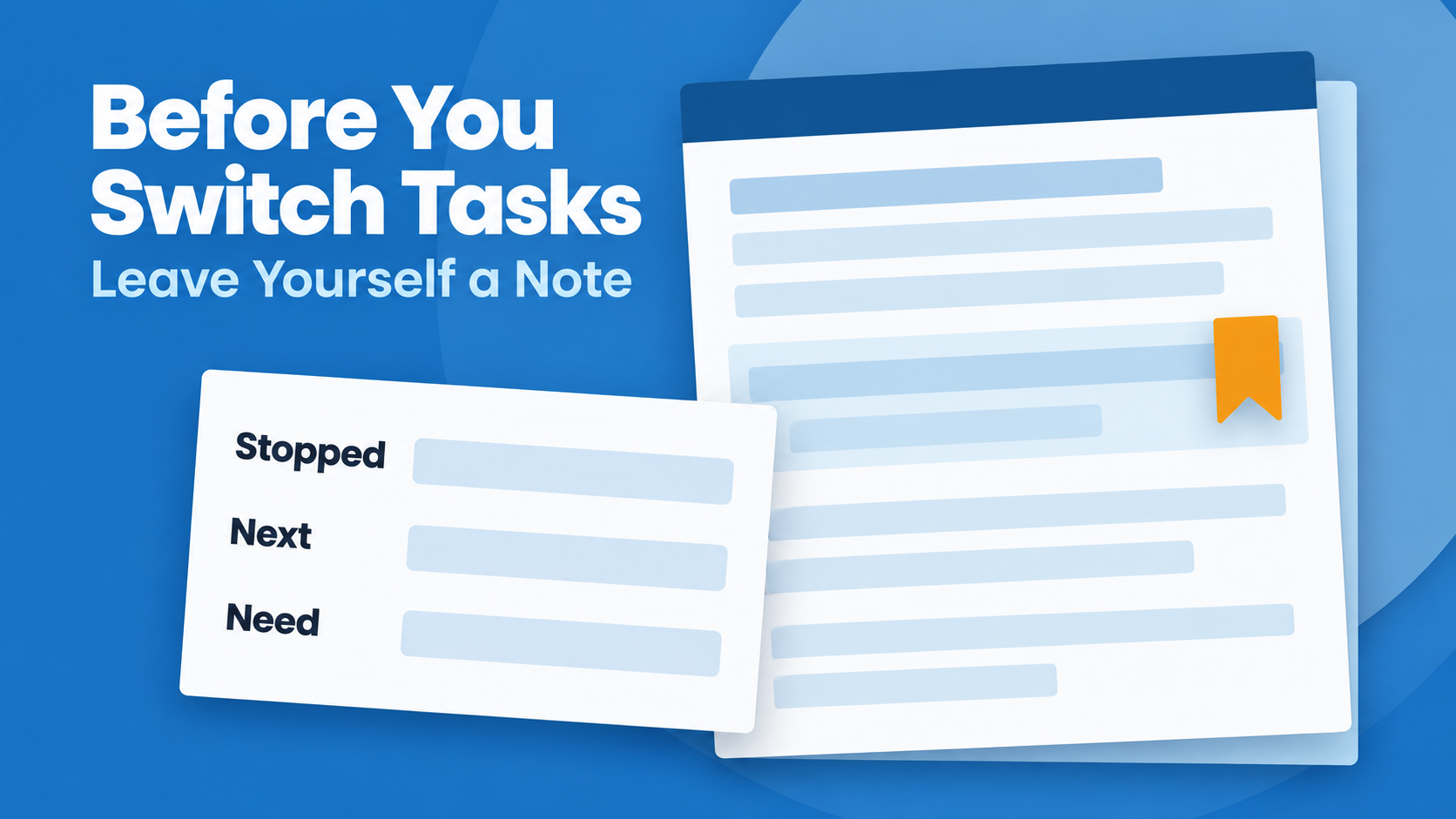
Before You Switch Tasks, Leave Yourself a Note
See Your Schedule and Tasks Together A realistic plan gets easier when your appointments and tasks aren't living in completely separate worlds. Pocket Informant brings calendar and task planning together so you can see more of your day in one place. Learn More About Pocket Informant [...]
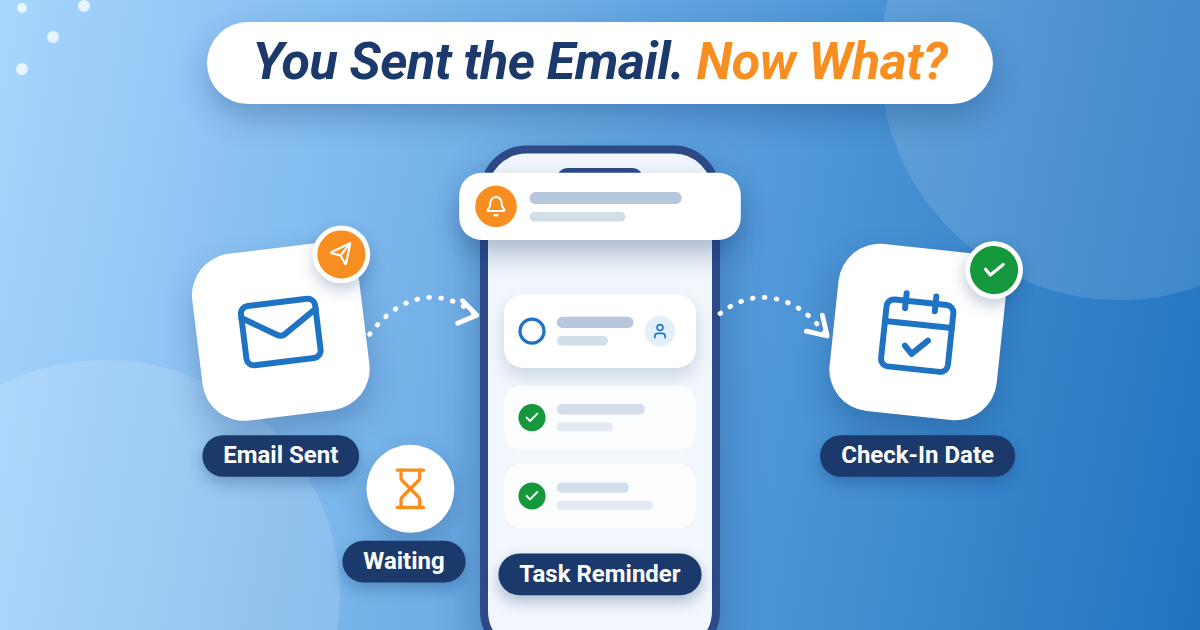
You Sent the Email. Now What?
See Your Schedule and Tasks Together A realistic plan gets easier when your appointments and tasks aren't living in completely separate worlds. Pocket Informant brings calendar and task planning together so you can see more of your day in one place. Learn More About Pocket Informant [...]
How Can the Best Daily Planner App for iPhone Help You Stay Organized?
Managing appointments, tasks, personal goals, and everyday responsibilities can become challenging without a clear system. A digital planner can bring these activities together and make daily organization easier. For iPhone users, the best daily planner app for iphone offers a practical way to organize schedules, prioritize important tasks, and [...]